Selenium vs Playwright vs Cypress: Which Automation Tool Should You Learn in 2026?
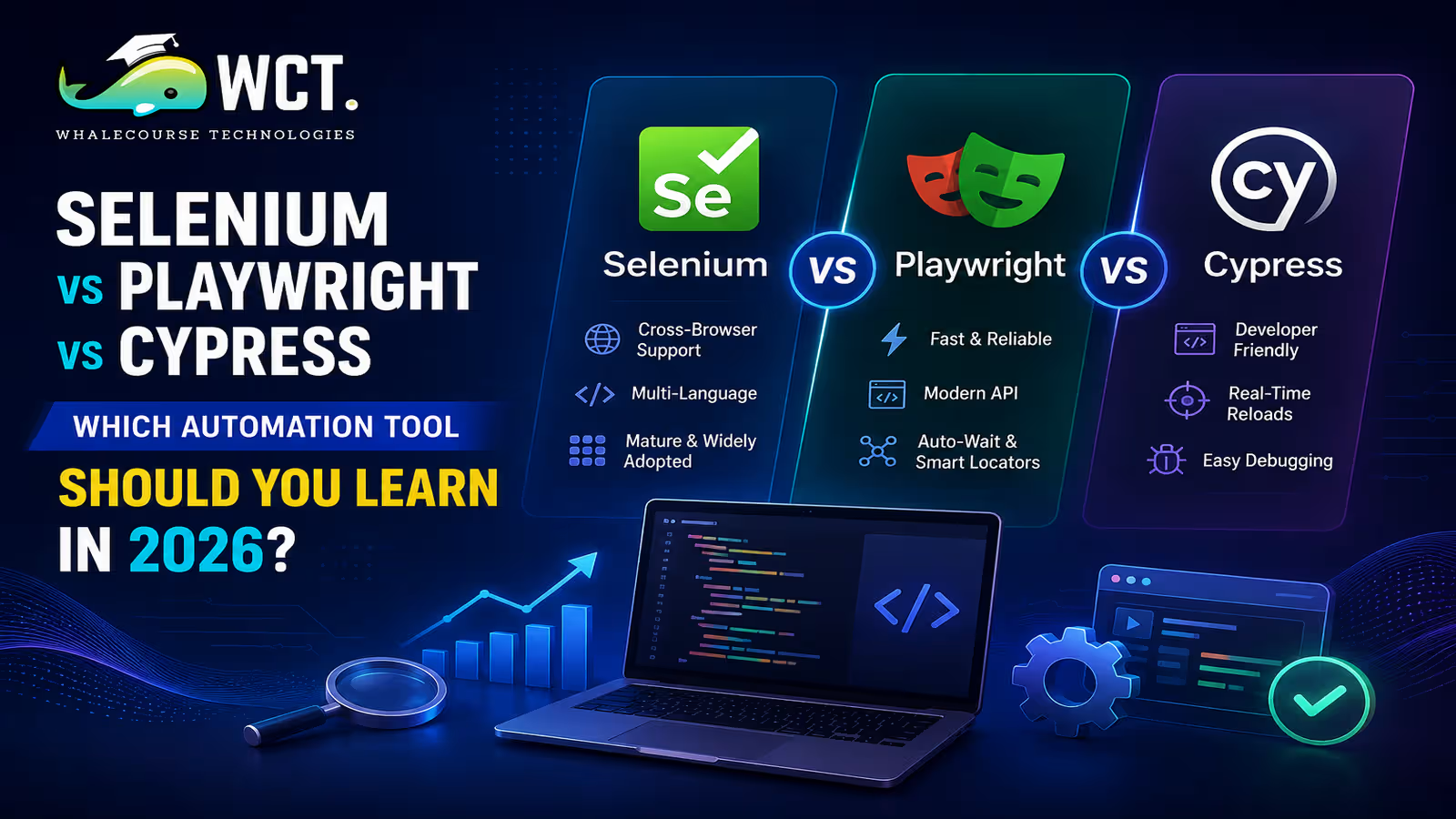
The Selenium vs Playwright vs Cypress debate comes up in nearly every QA team conversation in 2026. All three tools automate browser interactions for testing web applications, but they were built with different philosophies, different strengths, and different ideal use cases. If you are deciding which one to learn first or which one your team should adopt, this guide gives you the honest comparison you need — no hype, no vendor bias, just a practical breakdown of where each tool actually shines.
A Quick Overview of Each Tool Before the Comparison
Selenium is the oldest of the three. Introduced in 2004, it interacts with web browsers using the standard WebDriver protocol. It supports Java, Python, C#, Ruby, JavaScript, and Kotlin. Selenium runs tests in real browsers and is the foundation for cloud testing platforms like Sauce Labs and BrowserStack.
Playwright was introduced by Microsoft in 2020 as a modern browser automation framework. It controls browsers through a direct connection to the browser’s DevTools protocol, which gives it lower-level access and generally faster execution than Selenium. It supports TypeScript, JavaScript, Python, Java, and C#. Playwright handles modern web features like shadow DOM, service workers, and network interception natively.
Cypress was built specifically for JavaScript developers. Unlike Selenium and Playwright, Cypress executes directly within the browser instead of interacting with it through an external driver. This makes it fast and easy to debug but also limits it to JavaScript and TypeScript, and it historically struggled with multi-tab and cross-origin testing scenarios.
Language and Framework Support
Language support is often the deciding factor when choosing a browser automation tool, especially in teams where QA engineers have a specific language background.
| Feature | Selenium | Playwright | Cypress |
|---|---|---|---|
| Languages supported | Java, Python, C#, Ruby, JS, Kotlin | JS, TS, Python, Java, C# | JavaScript, TypeScript only |
| Browser support | Chrome, Firefox, Safari, Edge, IE | Chrome, Firefox, Safari, Edge | Chrome, Firefox, Edge |
| Mobile testing | Via Appium | Limited (Chromium on Android) | Not natively supported |
| Parallel execution | Via Selenium Grid | Built-in | Built-in (paid plan for CI) |
Selenium wins on language breadth. Playwright offers good multi-language support with a modern API. Cypress supports fewer languages but remains one of the easiest tools for JavaScript developers to learn.
Speed and Reliability in Real Test Runs
In terms of raw execution speed, Playwright is generally the fastest of the three, particularly for test suites with heavy network interaction and dynamic UI components. Its direct browser protocol communication and built-in auto-waiting mechanism reduce the need for explicit waits and sleep statements, which are a common source of flaky tests in Selenium.
Cypress is also fast for single-domain applications because it runs inside the browser and has access to the application’s JavaScript runtime. This makes it excellent for component-level testing and application state assertions that would require complex workarounds in Selenium.
Selenium can be slower by default, particularly when using the older W3C WebDriver protocol over a network socket. However, with Selenium 4’s CDP integration and BiDi protocol support, the performance gap has narrowed considerably for teams that invest in proper framework architecture.
Handling Modern Web Challenges
Modern web applications present testing challenges that did not exist when Selenium was designed. Shadow DOM components, iframes, service worker caching, WebSocket connections, and cross-origin requests are now common in production applications.
Playwright handles these scenarios particularly well. Its built-in support for network interception lets you mock API responses, simulate slow network conditions, and assert request payloads without external libraries. Its locator API is designed to find elements the way a real user would, which produces more stable tests across UI changes.
Cypress has improved significantly in handling cross-origin testing since version 9.6, but it still has limitations with browser tabs, file downloads, and certain iframe scenarios. For applications that rely heavily on these features, Playwright is a stronger choice.
Selenium’s strength in this area comes from its ecosystem. The combination of Selenium 4, Java’s robust testing libraries like TestNG and JUnit, and frameworks like RestAssured for API validation gives enterprise teams a mature, proven stack for complex testing requirements.
Debugging Experience and Developer Tooling
Debugging a failing test is where most engineers spend a disproportionate amount of their time, so this dimension matters more than many comparison articles acknowledge.
Cypress has the best debugging experience of the three. Its interactive test runner shows a visual timeline of every command, lets you travel back in time to see the DOM state at any step, and integrates with browser developer tools natively. For developers who are new to automation testing, this visual feedback dramatically reduces the learning curve.
Playwright provides a trace viewer that records every test action with screenshots, network requests, and console logs. You can replay a failing test trace in a browser UI after a CI failure without needing to reproduce the issue locally. This is extremely useful for debugging intermittent failures in headless environments.
Selenium debugging is more traditional — you rely on logs, screenshots taken at failure points, and IDE debuggers. It works, but it requires more setup and more experience to use effectively.
CI/CD Integration and Cloud Testing Support
All three tools integrate with CI/CD pipelines, but with different levels of effort. Playwright and Cypress both offer first-class Docker images and GitHub Actions integrations out of the box. A basic Playwright test run in GitHub Actions requires less than ten lines of YAML configuration. Cypress Cloud (previously Cypress Dashboard) provides test analytics, parallelization, and flake detection through a SaaS offering.
Selenium requires more setup work in CI environments, particularly for managing browser driver versions and browser installations across different pipeline agents. Tools like Selenium Manager (introduced in Selenium 4.6) have simplified driver management significantly, but CI configuration still requires more effort than with Playwright or Cypress.
For cloud cross-browser testing at scale, Selenium’s ecosystem has the widest support. BrowserStack, Sauce Labs, and LambdaTest all have mature Selenium integrations with thousands of browser and OS combinations. Playwright and Cypress support on these platforms is growing but is not yet as comprehensive.
Job Market Demand: What Employers Are Looking For in 2026
Looking at job postings across LinkedIn, Indeed, and Naukri in 2026 shows a clear picture. Selenium with Java remains the most frequently mentioned automation skill in QA and test engineer job descriptions, particularly in India, the UK, and enterprise-focused organizations. It has the largest installed base and the most mature candidate pool.
Playwright is growing fastest in terms of adoption momentum. Startups and technology companies modernizing their testing infrastructure consistently choose Playwright for new projects because of its speed, built-in parallelization, and modern API design. Learning Playwright positions you well for roles at product companies and growth-stage startups.
Cypress is valued most at organizations where the development team itself writes and maintains tests. If you want to work as a developer who also owns testing, particularly in JavaScript-heavy frontend environments, Cypress is a strong differentiator on your resume.
The safest career bet for most people entering QA in 2026 is to learn Selenium first for its breadth of job opportunities, then add Playwright as a second skill to demonstrate awareness of modern tooling trends.
Which Tool Should You Learn First?
There is no universal answer, but the following guidance covers most situations accurately.
- Choose Selenium if you are targeting enterprise QA roles, if you prefer Java or Python, or if you need to test on Internet Explorer or a wide range of legacy browsers for compliance reasons.
- Choose Playwright if you are starting a greenfield testing project, if your team already uses TypeScript or Python, or if you need robust handling of modern web features like network mocking, multi-tab testing, and API testing within the same tool.
- Choose Cypress if you are a JavaScript developer who wants to add testing to your skill set, if your application is a single-page app without complex cross-origin requirements, or if your team prioritizes a visual debugging experience for non-QA engineers.
Many experienced automation engineers know more than one of these tools. Once you understand the core concepts of browser automation — element location strategies, waiting mechanisms, assertions, and test organization — switching between tools takes days, not months.
Common Mistakes When Evaluating These Tools
Evaluating browser automation tools based on benchmarks alone leads to poor decisions. A few specific mistakes come up repeatedly when teams make this choice.
- Choosing based on hype rather than use case fit — Playwright’s momentum is real, but if your entire QA team writes Java and your test suite has 3000 Selenium tests, migrating to Playwright for its own sake makes no practical sense.
- Ignoring maintenance costs — A testing tool that is fast to write tests in but hard to maintain at scale is not actually faster in the long run. Evaluate how each tool handles locator updates, test refactoring, and framework upgrades before committing.
- Assuming Cypress can replace Selenium entirely — For applications with OAuth flows involving multiple domains, file system operations, or native browser dialogs, Cypress still has real limitations that surface in production-grade test suites.
- Not evaluating team skill fit — The best automation tool is often the one your team can use effectively rather than a more advanced option that requires significant learning. Successful adoption is just as important as technical features.
Using All Three Together in a Testing Strategy
Some mature engineering organizations do not treat this as an either-or decision. They use multiple tools for different testing layers. A typical setup might use Cypress for component and integration tests that run during the development cycle, Playwright for end-to-end regression suites that run before deployment, and Selenium Grid for cross-browser compatibility testing across a wide range of real browsers and operating systems on cloud platforms.
This layered approach gives you the speed of Cypress for developer feedback, the modern handling of Playwright for critical user journeys, and the reach of Selenium for broad browser coverage. It does require more tooling knowledge across the team, but it optimizes each layer of testing for what it is actually good at.
The Verdict for 2026
If you’re choosing between Selenium vs Playwright vs Cypress for career growth or project needs in 2026, here’s how each tool compares. Selenium remains the most employable skill for traditional QA roles and is not going anywhere despite its age. Playwright is the best choice for modern greenfield projects and is the fastest-growing tool in enterprise adoption. Cypress remains the easiest to learn and the best fit for JavaScript-focused development teams doing shift-left testing.
If you are a beginner, Playwright or Selenium are the more practical starting points depending on your language preference. If you are already in QA and want to grow, adding Playwright to your Selenium skill set is the highest-return investment you can make right now in the automation testing space.
Start Your Data Analytics Career Today
Join WhaleCourseTechnologies for affordable training with hands-on projects and placement support.
Conclusion
The Selenium vs Playwright vs Cypress comparison ultimately comes down to your specific context — your team’s language preferences, the architecture of the application you are testing, and the career outcomes you are working toward. All three are capable tools used by serious engineering teams. None of them is universally superior.
What matters most is that you get genuinely good at whichever tool you choose. A well-structured, maintainable Selenium test suite is far more valuable than a half-built Playwright project you abandoned after three months. Depth beats breadth in automation engineering. Master the fundamentals of the tool you pick, build real projects with it, and the learning you need to cross to another tool later will come quickly.
In This Article
Enroll in Our IT Courses
Master IT Program at whalecoursetechnologies
- Expert Mentorship from IT Professionals
- Job-Ready Skills with Live Projects
- Career Boost Add-on Modules
- 100% Placement & Interview Support
