
Microsoft Azure Tutorial for Beginners
Cloud computing has become a key technology in today’s IT industry. If you want to work with cloud platforms, learning Microsoft Azure is an excellent starting point. This Microsoft Azure tutorial is designed for complete beginners. You do not need prior cloud experience. By the end of this guide, you will understand what Azure is, how its core services work, and how to take your first practical steps on the platform with confidence.
What Is Microsoft Azure?
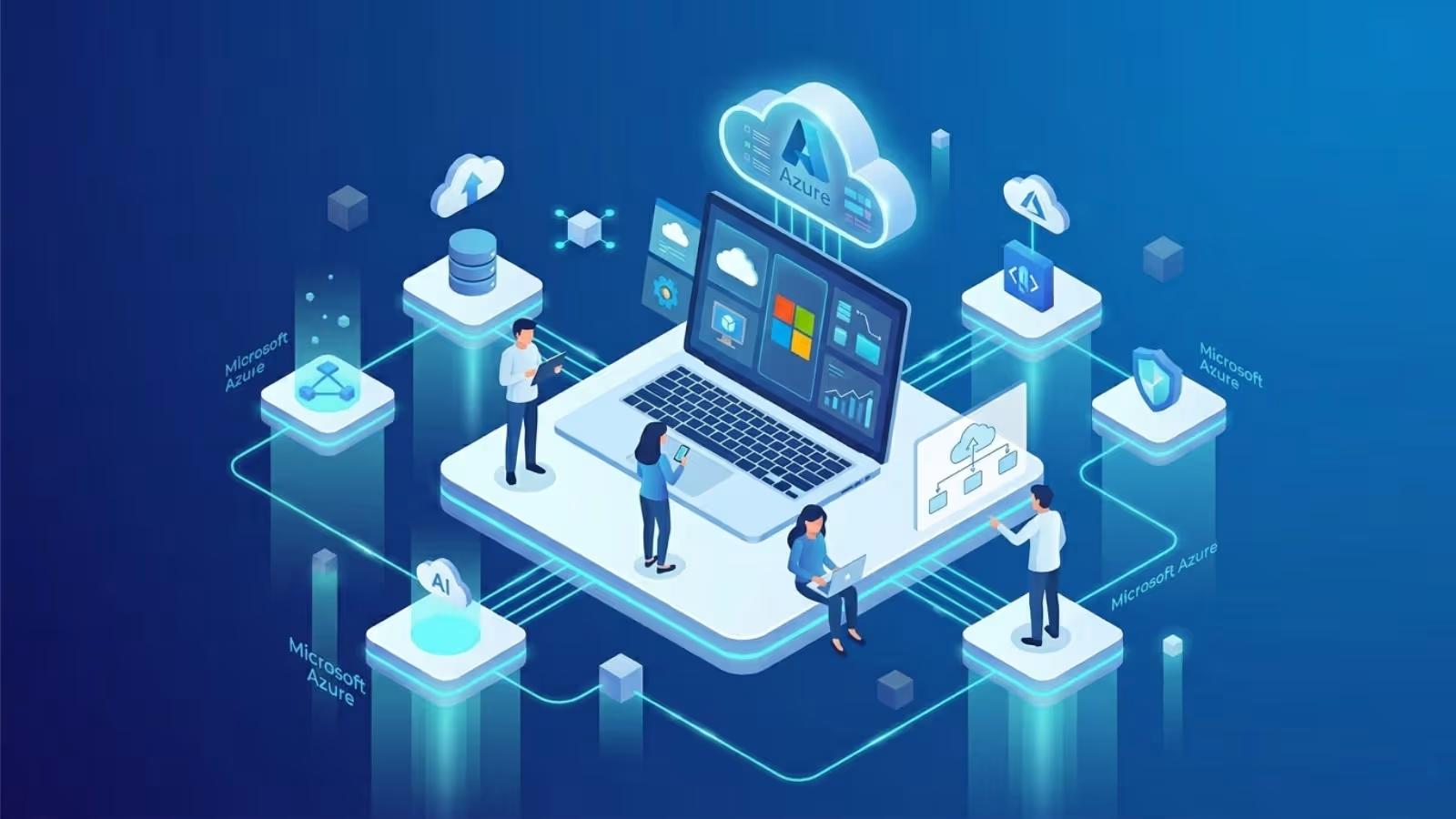
Microsoft Azure is a cloud-based platform provided by Microsoft that offers a wide range of computing services. It provides over two hundred services covering computing, storage, networking, databases, AI, and security. Companies use Azure to build, run, and manage applications without maintaining physical servers.
Azure operates through a global network of data centers spread across more than sixty regions worldwide. This gives businesses the ability to deploy applications close to their customers, reducing response times and improving performance.
This Microsoft Azure tutorial focuses on the core foundation that every beginner must understand before exploring advanced services.
Key Azure Services Every Beginner Should Know
Azure has many services. As a beginner, focus on understanding these foundational ones first.
Azure Virtual Machines (VMs)
A virtual machine is a computer that runs inside Azure’s data center. You can select the operating system, as well as configure the memory and computing power based on your needs. Azure charges you only for the time the VM is running. You can start or stop the VM from your web browser at any time.
Azure Blob Storage
Blob Storage is used to store files — images, videos, documents, and backups — in the cloud. It is designed for massive scale. You can store petabytes of data without managing any hardware. Files stored in Blob Storage are highly durable and encrypted by default.
Azure SQL Database
This is a fully managed relational database in the cloud. Microsoft handles all updates, backups, and security patches. You simply connect your application to the database and start storing structured data. It is compatible with standard SQL syntax.
Azure App Service
App Service allows you to deploy web applications and APIs without managing web servers. You upload your code and Azure handles the hosting infrastructure automatically. It supports applications written in Python, Node.js, Java, .NET, PHP, and Ruby.
Setting Up Your Azure Account
- Visit portal.azure.com and click Create a free account.
- Log in using your Microsoft account, or create a new account if you don’t have one.
- Provide your name, country, and phone number for verification.
- Enter a credit card for identity verification. Azure will not charge you during the free trial period.
- You receive approximately two hundred US dollars in credits to use within the first thirty days.
- Over fifty services are permanently free with no time limit.
Understanding Azure Resource Groups and Subscriptions
- Subscription — the billing account that everything is tied to. All costs accumulate under a subscription.
- Resource Group — a structured way to organize and manage related Azure resources in one place. For example, a web application, its database, and its storage account should all live in the same Resource Group.
- Resources — the individual services you create, such as a virtual machine, a database, or a storage account.
Azure Identity and Access Management
Security is a core part of this Microsoft Azure tutorial. Azure Active Directory manages who can access your Azure resources and what they are allowed to do.
The key concept is Role-Based Access Control (RBAC). You can grant defined roles to individual users or groups to control their access.
- Owner — full control over all resources, including managing access for others.
- Contributor — can create and manage resources but cannot change access permissions.
- Reader — can only view resources, cannot make any changes.
Always follow the principle of least privilege. Only give people the minimum access they need to do their job. This dramatically reduces the risk of accidental or malicious damage to your cloud environment.
Azure Pricing and Cost Management
Understanding pricing before you start is critical. Azure charges based on consumption — you pay for what you use, when you use it.
Key pricing concepts:
- Pay-as-you-go — charged per second or per hour of resource use. No upfront commitment required.
- Reserved Instances — commit to using a VM for one or three years and save up to seventy percent compared to pay-as-you-go pricing.
- Spot pricing — use spare Azure capacity at heavily discounted rates for workloads that can tolerate interruptions.
Use the Azure Pricing Calculator to estimate monthly costs before creating any resources. Also enable Azure Cost Management alerts. These send you an email notification when your spending approaches a set threshold, preventing surprise bills.
Azure Certification Path for Beginners
- AZ-900 — Azure Fundamentals: Entry-level exam covering basic cloud and Azure concepts. No experience required. Ideal as your very first certification.
- AZ-104 — Azure Administrator: Intermediate exam for professionals who manage Azure subscriptions, virtual machines, and networking.
- AZ-204 — Azure Developer: For professionals who design and build cloud-based applications using Azure services.
- AZ-305 — Azure Solutions Architect: Advanced exam for designing comprehensive cloud solutions. Requires significant hands-on experience.
Start Your Data Analytics Career Today
Join WhaleCourseTechnologies for affordable training with hands-on projects and placement support.
Conclusion
This Microsoft Azure tutorial has given you a solid foundation in Microsoft’s cloud platform. You now understand what Azure is, how its core services work, how to set up your account safely, and how to manage costs and identity effectively.
The next step is to practice. Create your free Azure account today. Build a simple virtual machine. Upload a file to Blob Storage. Deploy a small web application using App Service. Hands-on experience is irreplaceable. Every hour you spend building on Azure teaches you something that reading alone cannot.
Work toward the AZ-900 certification as your first official milestone. It validates your foundational knowledge and demonstrates your commitment to cloud computing to potential employers.
In This Article
Enroll in Our IT Courses
Master IT Program at whalecoursetechnologies
- Expert Mentorship from IT Professionals
- Job-Ready Skills with Live Projects
- Career Boost Add-on Modules
- 100% Placement & Interview Support
