
AWS vs Azure vs Google Cloud: Which Cloud Platform Is Best?
Choosing the right cloud computing provider is one of the most important decisions a business or developer can make. When you look at the modern software industry, the discussion almost always centers around three major giants: AWS vs azure vs google cloud (also known as Google Cloud Platform or GCP). These platforms provide the backend infrastructure that powers everything from small mobile apps to massive global streaming services. They allow you to rent servers, store data, run applications, and use advanced artificial intelligence without buying expensive physical computers. In this guide, we will explore their features, strengths, weaknesses, and pricing structures in simple terms. By the end, you will have a clear understanding of how these services stack up against one another and which one is the right fit for your project or career goals.
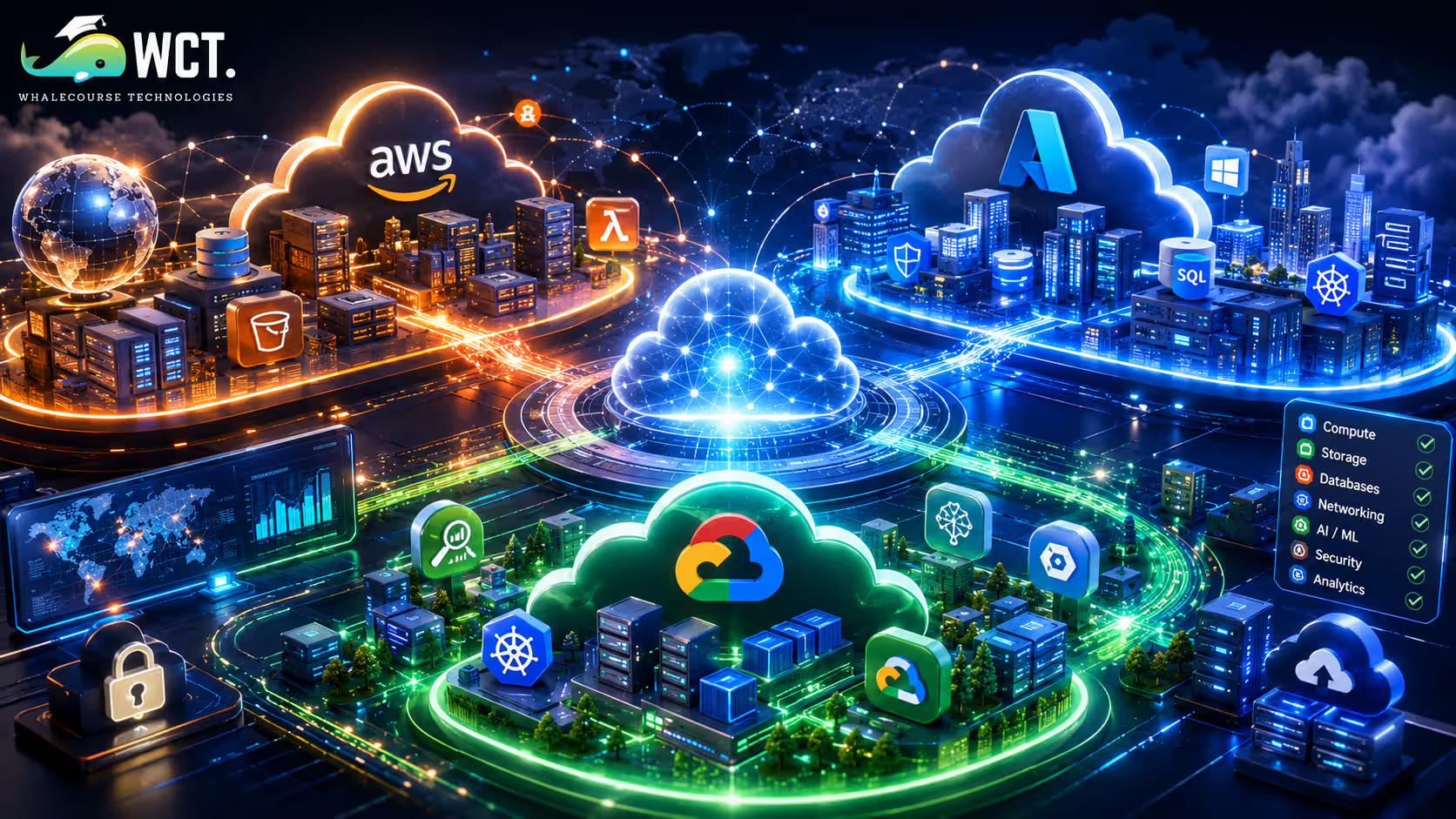
Understanding the Core Strengths: AWS vs Azure vs Google Cloud
Each of the three major cloud providers has a unique history that shapes its strengths today. Amazon Web Services (AWS) was the first major player in the cloud market, launching back in 2006. Because it had a massive head start, AWS is the largest and most mature cloud platform. It offers the widest range of tools, services, and global data centers. If you can think of a technical feature, AWS almost certainly has a service designed for it. Many large organizations trust AWS because of its reliability and long history in the industry.
Microsoft Azure, launched in 2010, quickly grew by targeting businesses that already use Microsoft software. Organizations that rely on Windows Server, SQL Server, Microsoft 365, or Active Directory can seamlessly extend these existing platforms into the Azure cloud environment. Microsoft has used its strong enterprise relationships to make Azure the second-largest cloud provider, focusing heavily on hybrid setups where companies keep some servers in their own buildings and some in the cloud.
Google Cloud Platform entered the market a bit later, but it brought Google’s incredible expertise in data analytics, machine learning, and search engine infrastructure. Google Cloud is known for its speed, open-source friendly tools, and deep focus on modern application containers. Developers love Google Cloud because it makes complex data operations simple and affordable.
Comparing Key Cloud Services and Computing Models
To understand how these platforms compete, we need to look at their primary services. While each provider uses different names, they all offer similar core tools. Let us break down how they handle four essential categories: virtual servers, database storage, container orchestration, and serverless computing. This comparison will show how they approach everyday developer tasks.
Virtual Servers: EC2 vs VMs vs Compute Engine
Virtual servers are the building blocks of the cloud. They allow you to rent a slice of a physical computer to run your software. AWS calls this Elastic Compute Cloud (EC2). EC2 is highly customizable, offering hundreds of different instance types optimized for memory, speed, or graphics processing.
Microsoft Azure offers Azure Virtual Machines. These are designed to integrate smoothly with Windows licensing, making them cost-effective for enterprise workloads that depend on Microsoft operating systems.
Google Cloud offers Compute Engine. Google’s main advantage here is boot times and flexibility. Compute Engine allows you to create custom machine sizes, meaning you only pay for the exact amount of processor power and memory you need, rather than picking from a rigid list of options.
Data Storage and Databases
Storing files and structured database records is another fundamental task. AWS Simple Storage Service (S3) is the gold standard for object storage, known for its extreme durability and security controls. For relational databases, AWS offers Amazon RDS, which automates tasks like backups and patching.
Azure Blob Storage serves a similar purpose to S3, while Azure SQL Database is a popular managed SQL service that business developers prefer. It offers seamless scaling and built-in security features tailored for large companies.
Google Cloud uses Google Cloud Storage for files. For databases, it offers unique tools like Cloud Spanner, which provides global database consistency, and Bigtable, designed for massive analytical workloads. If you are comparing database performance within AWS vs azure vs google cloud, Google is often favored for projects that need to analyze massive amounts of information quickly.
Containers and Kubernetes Support
Containers allow developers to package code and all its dependencies so an application runs quickly and reliably from one computing environment to another. Kubernetes, the most popular tool for managing containers, was originally created by Google. Therefore, Google Kubernetes Engine (GKE) is widely considered the best-managed Kubernetes service, offering the smoothest setup and lowest management overhead.
However, the other providers have excellent options too. AWS offers Elastic Kubernetes Service (EKS) and Elastic Container Service (ECS). EKS is highly secure and runs a massive portion of all enterprise Kubernetes workloads today.
Azure Kubernetes Service (AKS) is Microsoft’s answer. AKS provides excellent integration with active directories and enterprise development tools like GitHub, making it a natural choice for teams already using the Microsoft ecosystem.
Serverless Computing and Event-Driven Coding
Serverless computing allows developers to execute applications without the need to provision or maintain server infrastructure. You write the code, and the platform runs it automatically when triggered by an event, charging you only for the exact milliseconds the code runs. AWS Lambda pioneered this concept and remains the most popular serverless tool with a massive developer community.
Azure Functions is Microsoft’s version, which integrates well with Visual Studio and allows developers to write code in familiar languages like C# and PowerShell.
Google Cloud Functions offers simple, lightweight execution environments. While less complex than Lambda, Google Cloud Functions is incredibly fast to deploy and integrates perfectly with Google’s other developer tools, such as Firebase.
A Step-by-Step Guide to Choosing Your Cloud Platform
- Audit Your Existing Software: Look at what tools your team currently uses. If your company is heavily invested in Windows, SQL Server, and Microsoft Office, Azure is likely the most sensible starting point.
- Analyze Your Data Needs: If your project depends on big data analytics, machine learning, or complex searches, Google Cloud offers specialized tools that can save your developers a lot of setup time.
- Evaluate the Scale and Ecosystem: If you need the widest variety of third-party tools, pre-built templates, and available talent, AWS is the safest bet because of its market dominance.
- Check the Global Location of Data Centers: Some countries have strict laws about where data must be physically stored. Look at the region maps for each provider to ensure they have data centers in your target countries.
- Start a Free Trial: All three providers offer a free tier. The best way to choose is to build a small test project on each platform and see which interface feels most natural to your team.
Key Advantages of Each Cloud Provider
- AWS Benefits: It has a massive global footprint with data centers in almost every corner of the world. It features the largest community of developers, meaning you can easily find answers to technical questions. It has highly mature security features and the most extensive catalog of niche cloud services, including satellite communications and advanced robotics.
- Azure Benefits: It offers seamless integration with enterprise Microsoft products like Active Directory and SharePoint. It has excellent hybrid cloud options, allowing businesses to bridge the gap between their physical offices and the cloud. It also offers flexible licensing discounts, allowing businesses to save money by moving existing Windows licenses to the cloud.
- Google Cloud Benefits: It provides industry-leading tools for machine learning and artificial intelligence, built on Google’s search infrastructure. It offers incredibly user-friendly container management through Google Kubernetes Engine. Additionally, it has fast, cost-effective internal networking that speeds up data transfer between servers.
Understanding Pricing: Which Option is Cheapest?
Pricing is one of the most complicated aspects of cloud computing. Because you pay for exactly what you use, your monthly bill can vary based on server usage, storage, and network traffic. However, there are general trends when comparing AWS vs azure vs google cloud.
Google Cloud is often seen as the most cost-friendly option for startups. It offers automatic sustained-use discounts, meaning the longer you run a server, the less you pay per hour. It also has a very clear, easy-to-read billing console.
Azure is highly cost-effective for companies that already pay for Microsoft software subscriptions, as they can apply those licenses to their cloud servers.
AWS has a reputation for being slightly more expensive and having complex billing. However, AWS offers saving plans and spot instances, which allow you to rent unused servers at discounts of up to 90% if you can tolerate temporary interruptions. To avoid unexpected costs, it is vital to set up billing alerts on whichever platform you choose.
The Importance of Cloud Certifications for Career Growth
If you are a student or a young professional, learning these platforms can open up high-paying career paths. AWS certifications, such as the AWS Certified Cloud Practitioner or Solutions Architect, are highly sought after by recruiters because so many companies use Amazon’s services. Microsoft Azure certifications are perfect if you want to work in large enterprise environments, corporate IT departments, or government agencies. Google Cloud certifications, like the Associate Cloud Engineer, are highly valued by tech startups and companies focused on data science and machine learning. Because cloud technology is constantly changing, learning the basics of at least one platform is a fantastic way to boost your career prospects in the modern tech economy. You do not need a degree to get certified; many online courses can prepare you for these exams in just a few weeks.
Common Myths About Cloud Migration
- Myth 1: The cloud is always cheaper than physical servers. While the cloud saves you from buying expensive physical hardware upfront, running servers 24/7 without monitoring can quickly lead to huge bills. Cloud computing is only cheaper if you actively manage and optimize your resources.
- Myth 2: Cloud computing is less secure than local hosting. In reality, major cloud providers spend billions of dollars on security. Their systems are guarded by top cybersecurity experts and comply with strict international standards. Most security breaches in the cloud are caused by customer misconfigurations rather than provider errors.
- Myth 3: You must stick to a single cloud provider. Many modern companies use a multi-cloud strategy. They might run their databases on Google Cloud to take advantage of machine learning, while hosting their primary web servers on AWS. Combining services is a great way to get the best of all worlds.
Start Your Data Analytics Career Today
Join WhaleCourseTechnologies for affordable training with hands-on projects and placement support.
Conclusion
There is no single winner in the battle of AWS vs azure vs google cloud. The best platform depends entirely on your specific project, your team’s skills, and your budget. AWS remains the safest, most comprehensive choice for general purposes. Azure is the obvious path for Microsoft-centered business systems. Google Cloud is the absolute best for data-heavy projects and containerized applications.
If you are just starting out, do not worry too much about making the perfect choice. The core concepts of cloud computing, like virtualization, databases, and networking, are the same across all three platforms. Once you master the basics on one system, learning the others becomes much easier. We recommend signing up for their free tiers, launching a simple server, and discovering firsthand which dashboard feels most comfortable for you.
In This Article
- Understanding the Core Strengths: AWS vs Azure vs Google Cloud
- Comparing Key Cloud Services and Computing Models
- A Step-by-Step Guide to Choosing Your Cloud Platform
- Key Advantages of Each Cloud Provider
- Understanding Pricing: Which Option is Cheapest?
- The Importance of Cloud Certifications for Career Growth
- Common Myths About Cloud Migration
- Conclusion
Enroll in Our IT Courses
Master IT Program at whalecoursetechnologies
- Expert Mentorship from IT Professionals
- Job-Ready Skills with Live Projects
- Career Boost Add-on Modules
- 100% Placement & Interview Support
